A direct route to GPU Servers
Plan Your AI Server Configuration by Workload
Tell us what you need and submit your enquiry securely through this website. GPU Servers is notified at info@gpu-servers.co.uk; email and WhatsApp remain available as other ways to get in touch.
- 01IdentifyAdd the contact details we need to reply
- 02ScopeDescribe the workload and operating boundary
- 03Review and sendCheck exactly what GPU Servers will receive
Review and send
Send your enquiry.
The preview is created in your browser. Your contact details and answers are submitted only when you select “Send enquiry”.
Add your contact details and workload, then review your enquiry.
Where it goes
- Destination
- info@gpu-servers.co.uk
- Handling
- Secure Netlify form submission stored in the GPU Servers project
- Notification
- GPU Servers receives an email with your answers and can reply to your work email
This button submits the form. It does not open your local email app.
What happens after you send
A fit conversation, not an automatic quote.
We use your answers to identify missing questions, compare local, cloud and hybrid routes, and define a representative workload test. Only then, if hardware is justified, does a time-limited bill of materials and quotation follow.
Decision check
AI Server Configuration: Fit, Evidence & Next Steps
When assessing AI server configuration, start with the real workload, operating boundary, available evidence and credible alternatives.
Relevant supporting considerations include AI server builder, custom AI server and AI server specification. A sound AI server configuration decision should make inputs, limitations, responsibilities and the next practical check clear.
Inspect the hardware and its operating boundary.
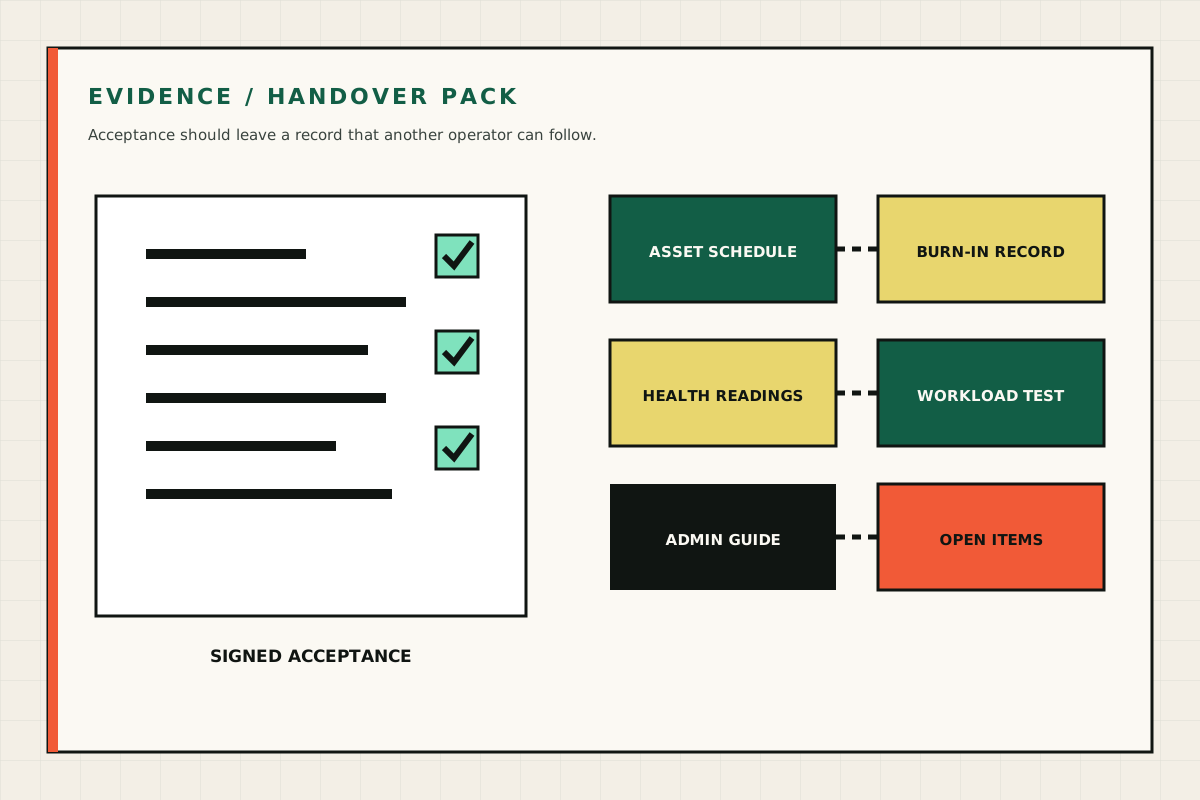
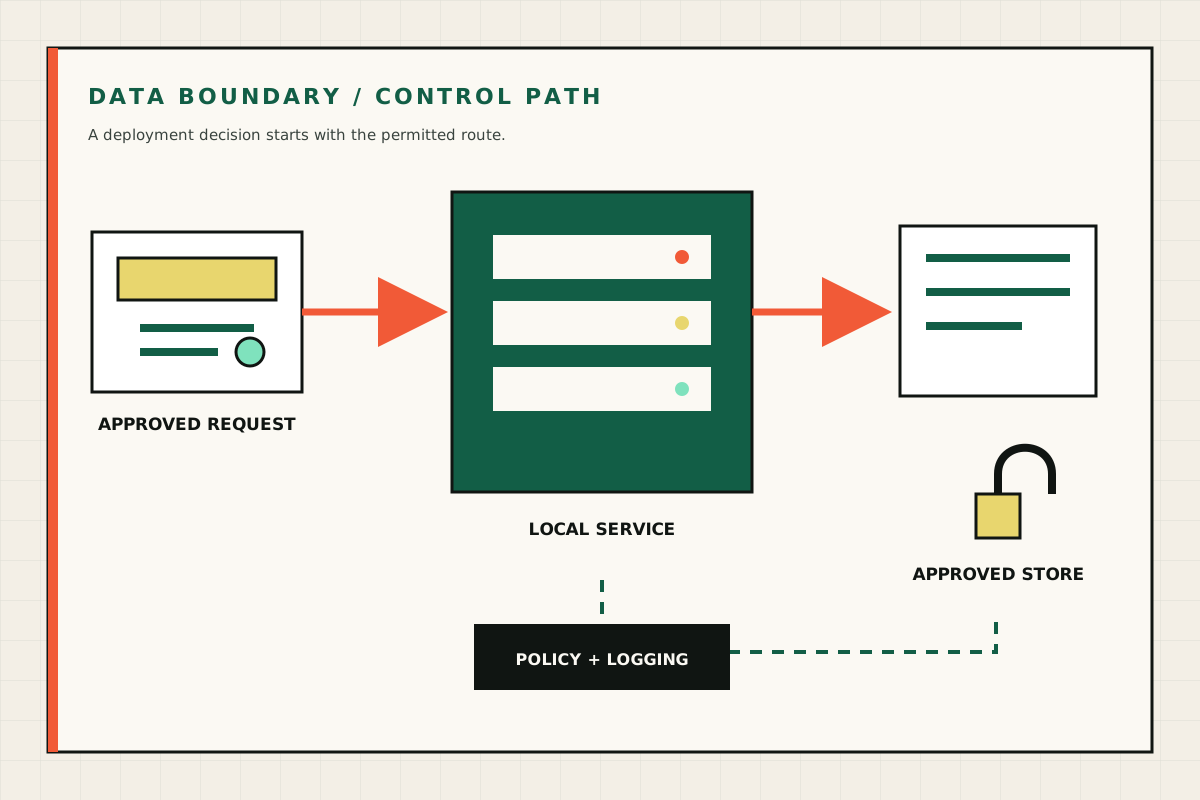
Hardware close-ups show form, layout and service access. Technical diagrams explain data, memory, power and handover. Your written specification and workload test describe the ordered system.