From workload to working system
AI Server Testing from Workload to Handover
We match the model, workload, users and operating environment to the hardware, then configure and test the selected system before handover.
A practical buying journey
From first conversation to working system.
Four clear stages keep the hardware tied to the result you need, while making the site, software and handover part of the same decision.
- 01
Start with the workload
The first conversation covers the models or applications you want to run, the number of users or jobs, response-time expectations and the data involved.
That gives us a practical basis for choosing between a workstation, an enterprise rack system, a frontier platform or a different route.
- 02
Match the model to the hardware
GPU memory is the first screen, followed by CPU memory, storage, topology, serving software, context length, batch size and concurrency.
The result is a proportionate system choice with enough headroom for the intended work, not simply the largest machine in the range.
- 03
Test the complete system
The configured machine is burn-in tested, then checked with the selected model, software and representative inputs.
Useful results include the hardware and software used, response time, throughput, memory use, stability and any limits found during testing.
- 04
Receive a usable handover
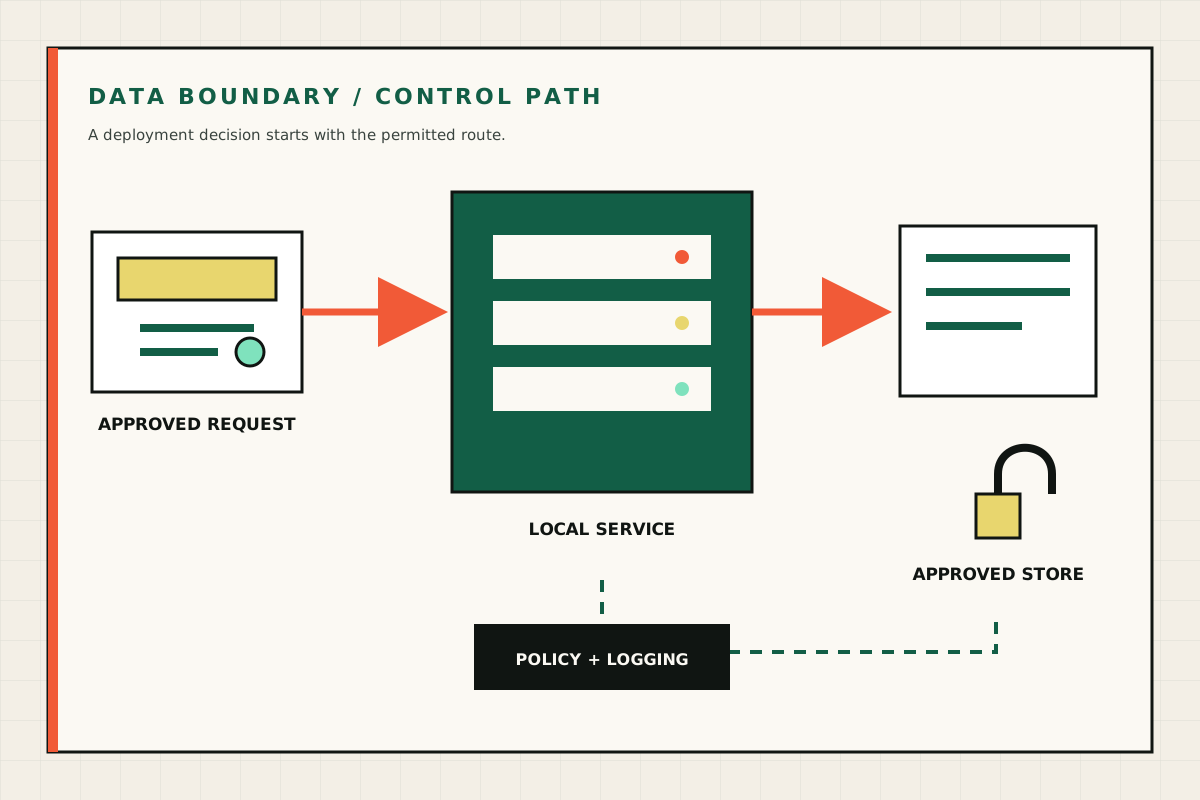
Handover includes the configured system, software versions, model and licence details, test summary, access information and operating notes.
Remote onboarding helps the nominated owner start the service, understand routine checks and know where customer responsibilities begin.
What you receive
A configured system you can understand and operate.
- Itemised hardware and software specification
- Burn-in and representative workload test summary
- Model, licence and software-version details
- Access, security and routine operating notes
- Remote onboarding for the nominated owner
Questions answered
Straight answers to common questions
How do you choose the right GPU system?
We start with the model, workload, users, response-time target and operating environment, then compare those needs with GPU memory, topology, system resources and facility requirements.
What testing is included?
The system receives hardware burn-in and representative workload checks using the selected software, model and operating conditions.
What should I bring to the first conversation?
A model or application name, sample workload description, expected users or job volume, site constraints and the outcome that would make the system worthwhile.
Continue the decision
Useful next steps
Choose your next step
Tell us what the system needs to do.
Start with the model, workload, users and operating environment. We will help you narrow the hardware.
Decision check
What Good AI Server Testing Covers
AI server testing should reflect the model, software, workload, users and site conditions that matter to the buyer.
Good AI server testing combines GPU server testing, AI server benchmarking and acceptance testing so the selected system arrives configured, checked and ready for a clear handover.