
Optional capacity scenario

Use the GPU Compute Earnings Calculator for Spare Capacity

Start with zero in the base business case. Use this only to stress-test an isolated pilot after the primary workload, platform acceptance and security gates are settled.
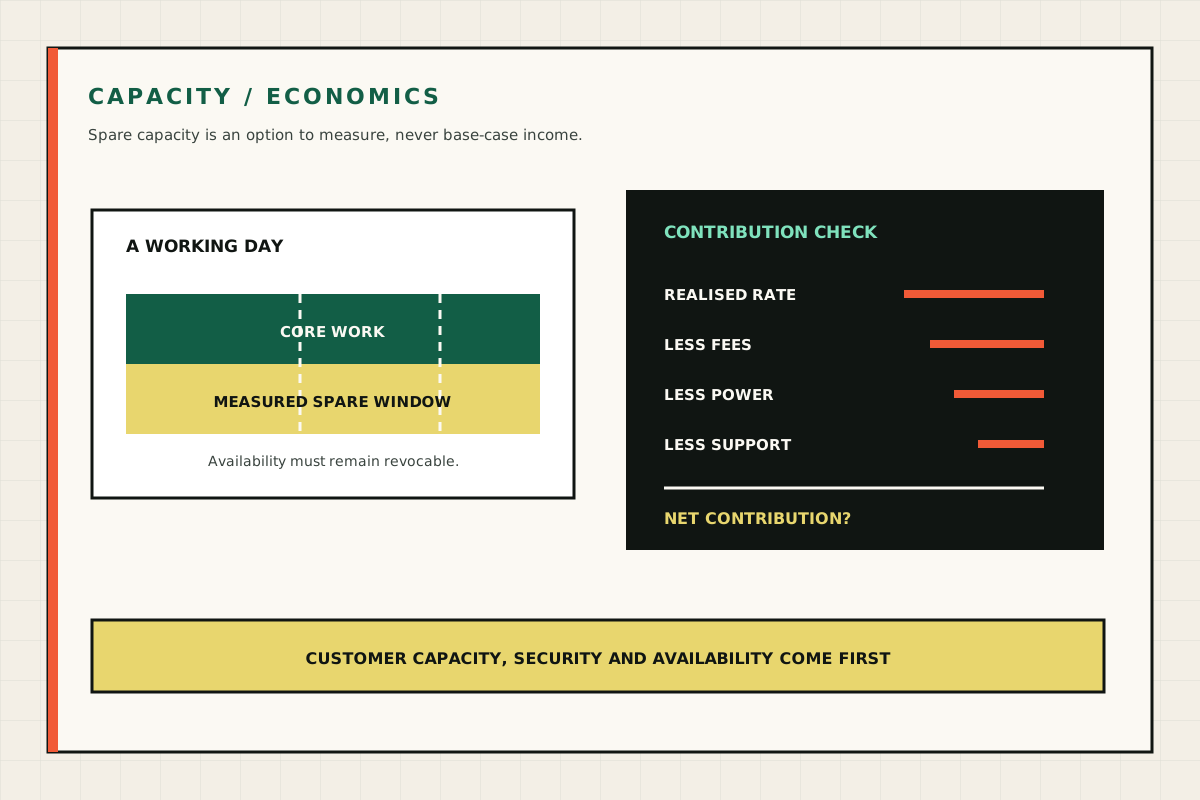
Diagram separating core business work from spare capacity and deducting fees, power and support from any realised rate
Spare-capacity income remains optional upside after fees, electricity, support and customer availability are accounted for. GPU Servers technical illustration.
Spare-capacity income remains optional upside after fees, electricity, support and customer availability are accounted for.
Use a measured realised rate, not the highest visible listing.

Monthly contribution before tax and support

£0

  • Rented hours0
  • Gross revenue£0
  • Fees£0
  • Incremental electricity£0

Excludes tax, accounting, support time, hardware wear, downtime, insurance, warranty effects and displaced business work.

Calculation record

See what sits behind the result.

The controls are deliberately editable. Record the values used, the date and the source before relying on an output in a buying decision.

01

Method

  • Rented hours = available hours × realised rented utilisation.
  • Contribution = gross hourly revenue − platform fees − incremental electricity and cooling.
  • Use actual pilot results for realised rate, utilisation and power before treating the figure as evidence.
02

Worked reading

  • The defaults assume 48 rented hours a month at £0.80, not 240 billable hours.
  • The tool then deducts the entered fee and incremental power cost.
  • A zero-utilisation downside case should remain in every purchase decision.
03

Do not infer

  • Admission, demand, rate, uptime and payment are not guaranteed.
  • The result excludes staff time, tax, wear, downtime, insurance and displaced business work.
  • Do not expose private data stores or business networks to third-party tenants.

No earnings promise

Marketplace admission, demand, price and uptime are not guaranteed. Render’s public guidance explicitly cautions against buying hardware in expectation of work. Vast.ai hosts compete on configuration, network, availability and price.

Read the complete marketplace decision gate.

Decision check

GPU Compute Earnings Calculator: Fit, Evidence & Next Steps

Use the GPU compute earnings calculator with current workload, cost and operating inputs, then test how the result changes when the important inputs move.

Relevant supporting considerations include spare GPU earnings, GPU rental calculator and idle GPU compute. The GPU compute earnings calculator result is a planning aid; retain the inputs, evidence date, downside case and any checks still required before purchase.

Commercial value starts with a complete cost boundary.

Include installation, energy, support, finance and adviser-confirmed tax treatment. Potential spare-capacity income should remain optional upside.
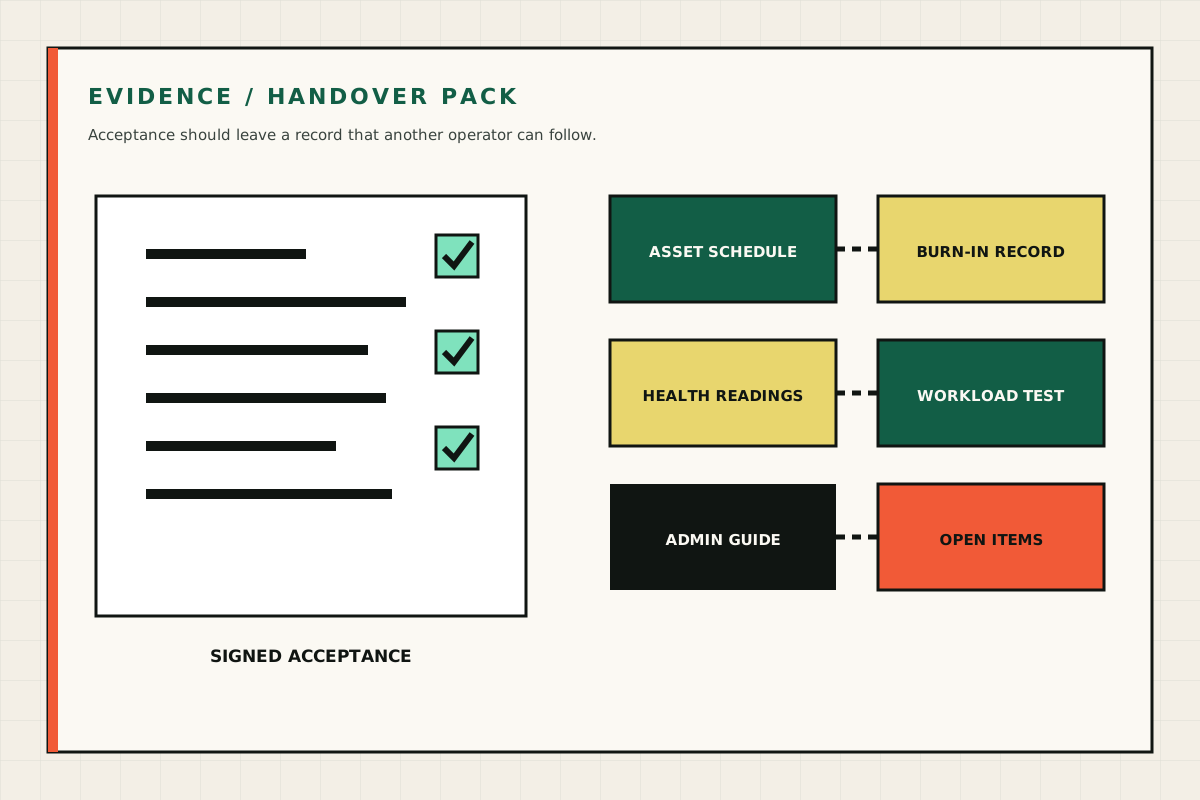
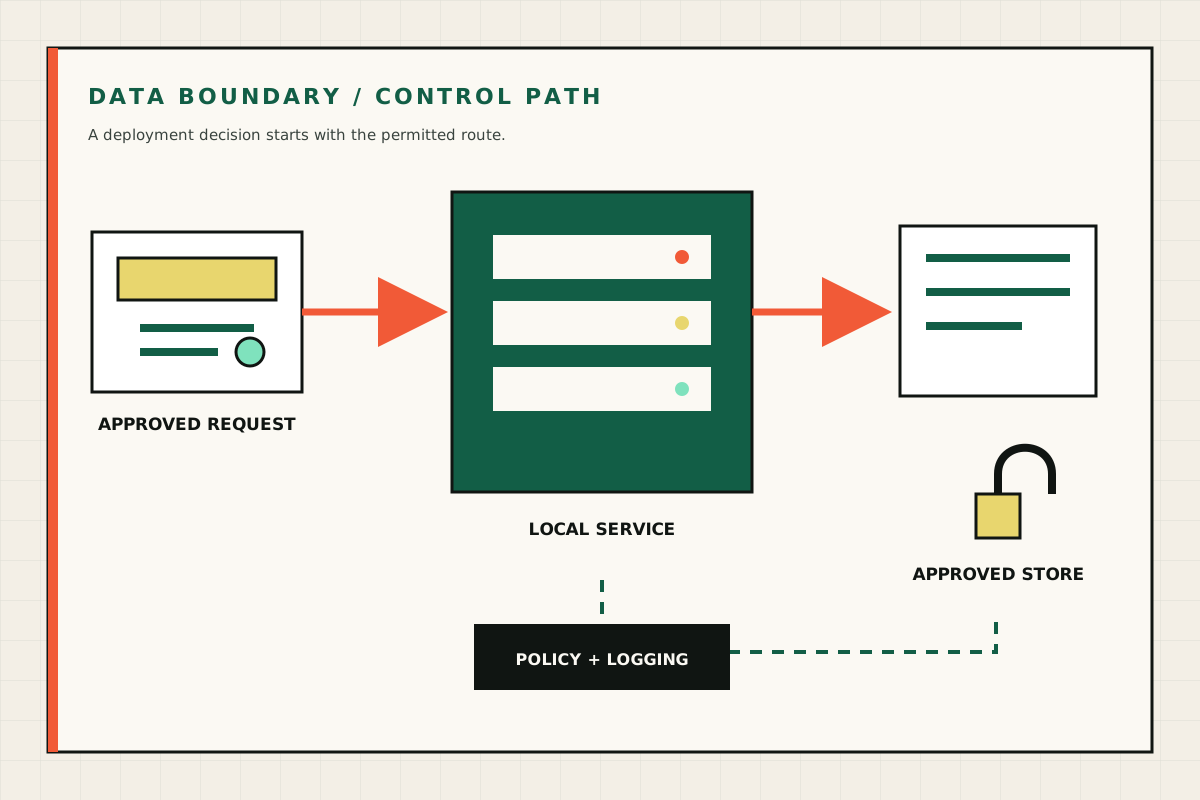
Diagram separating core business work from spare capacity and deducting fees, power and support from any realised rate
Spare-capacity income remains optional upside after fees, electricity, support and customer availability are accounted for. GPU Servers technical illustration.
Diagram of an evidence pack containing an asset schedule, burn-in record, health readings, workload test and admin guide
A complete handover includes the supplied assets, test results, operating instructions and agreed follow-up work. GPU Servers technical illustration.
Diagram showing an approved request, a local service, an approved store and a policy-controlled data path
A private deployment starts with the permitted data path, access policy and logging boundary. GPU Servers technical illustration.
Three-quarter supplier render of a 4U OEM multi-GPU rack server
OEM platform reference render showing the rack-server form and external service access. OEM supplier reference image.